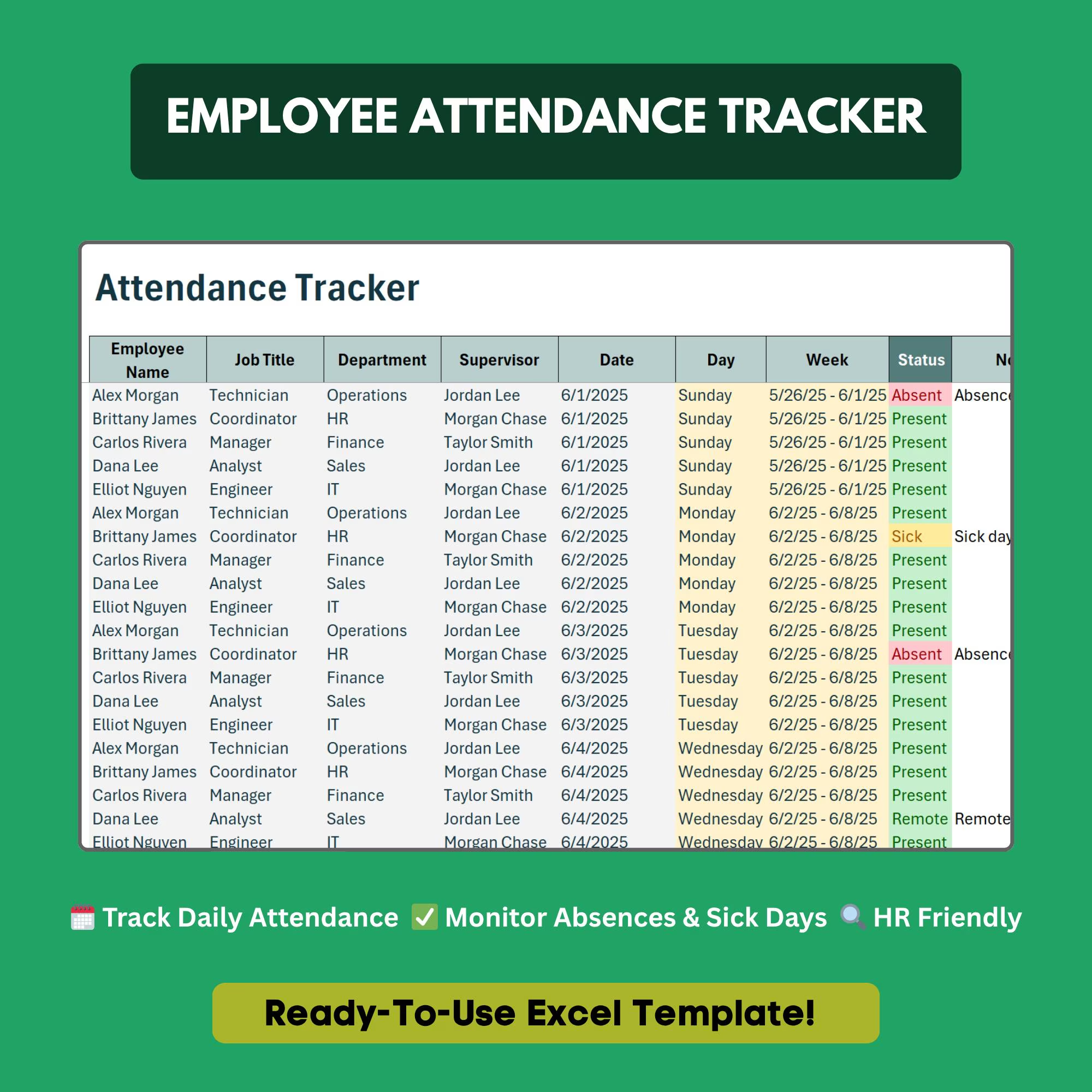
Employee Attendance Tracker
Monitor attendance, absences, and late arrivals without expensive time-tracking software.
- ✓Daily attendance log for full year
- ✓Absence type breakdown (vacation, sick, personal, unpaid)
- ✓Late arrival and early departure tracker
- ✓Monthly attendance summary per employee
- ✓Absence pattern flags via conditional formatting
- ✓Percentage attendance rate calculator
Q.Can I track both in-office and remote attendance?
Yes. There is a location column to log remote, in-office, or hybrid attendance for each day.
Q.Does it separate sick days from PTO?
Yes. Attendance types are broken down individually: vacation, sick, personal, and unpaid absence each have their own tracking.
Q.Does it flag employees with excessive absences?
Yes. Conditional formatting automatically highlights employees who exceed a customizable absence threshold.
Q.Can managers and HR both access it?
Yes. Save to a shared network drive or cloud storage for manager and HR access. You can password-protect specific sheets if needed.
Q.How far back can I track attendance?
The template covers a full calendar year. Duplicate the workbook for each additional year to maintain historical records.
Ready to get started?
Instant download · No subscription · Works on Excel 2016+
Related Templates
The all-in-one HR system for small businesses — no software required.
Get new hires up to speed from day one with a structured onboarding checklist.
Track employee vacation, sick days, and PTO balances automatically.