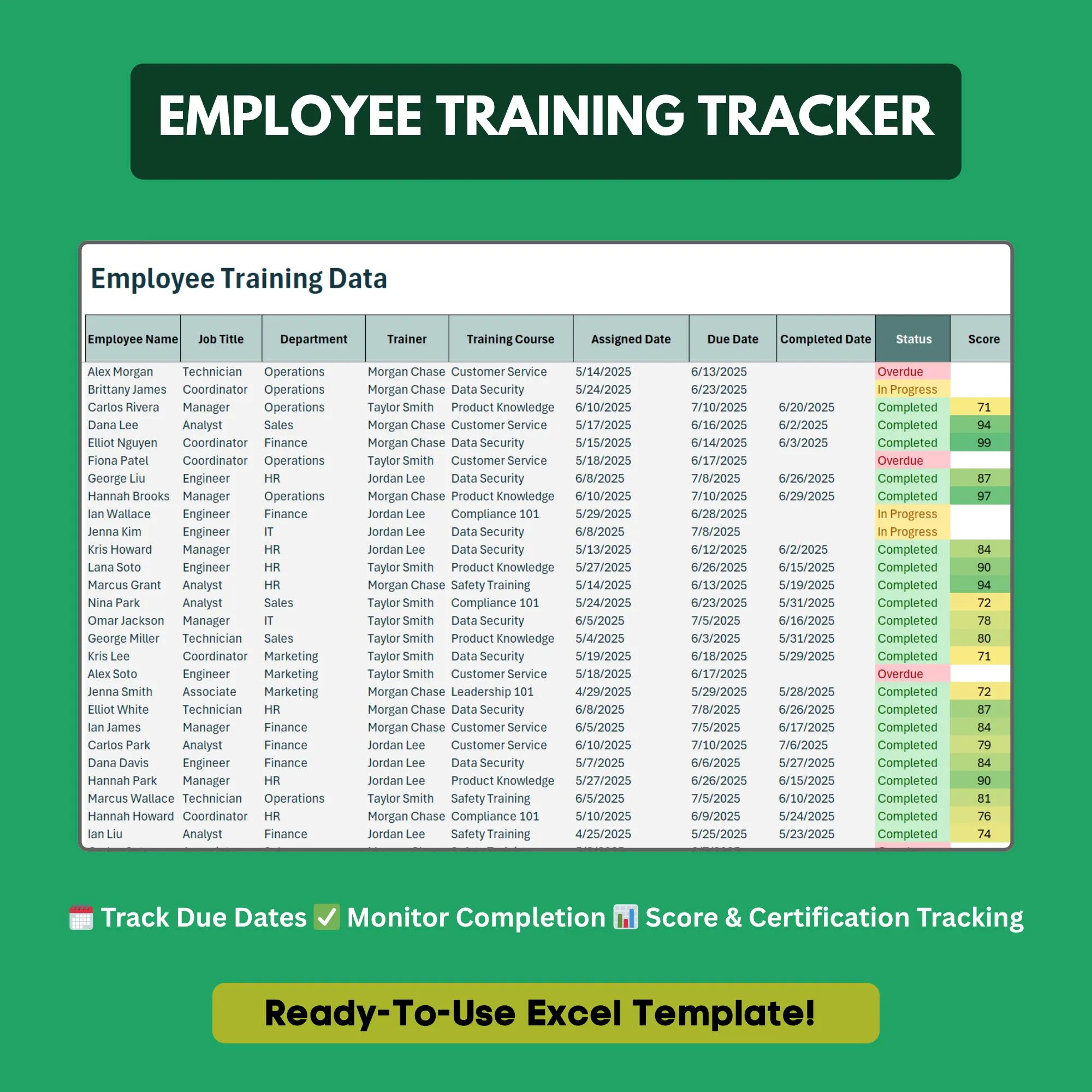
Employee Training Tracker
Track who has completed what training — and who needs a nudge.
- ✓Training completion log per employee
- ✓Certification expiry date tracker
- ✓Employee-by-training completion matrix
- ✓Completion percentage calculator
- ✓Overdue and expiring soon flags
- ✓Training type categories (mandatory, optional, compliance)
Q.Can I track mandatory vs. optional training separately?
Yes. Each training entry has a type column so you can categorize and filter by mandatory, optional, or compliance training.
Q.Does it flag when certifications are about to expire?
Yes. The template uses conditional formatting to highlight certifications expiring within 30 and 60 days.
Q.How many employees and training courses can I add?
Unlimited. Add as many rows (employees) and columns (courses) as your organization requires.
Q.Can I export this as a compliance report?
Yes. The matrix view is formatted for easy printing or PDF export to share with auditors or leadership.
Q.Is this suitable for OSHA or safety compliance training?
Absolutely. Many customers use this specifically for safety and compliance training where documented completion records are required.
Ready to get started?
Instant download · No subscription · Works on Excel 2016+
Related Templates
The all-in-one HR system for small businesses — no software required.
Get new hires up to speed from day one with a structured onboarding checklist.
Track employee vacation, sick days, and PTO balances automatically.